
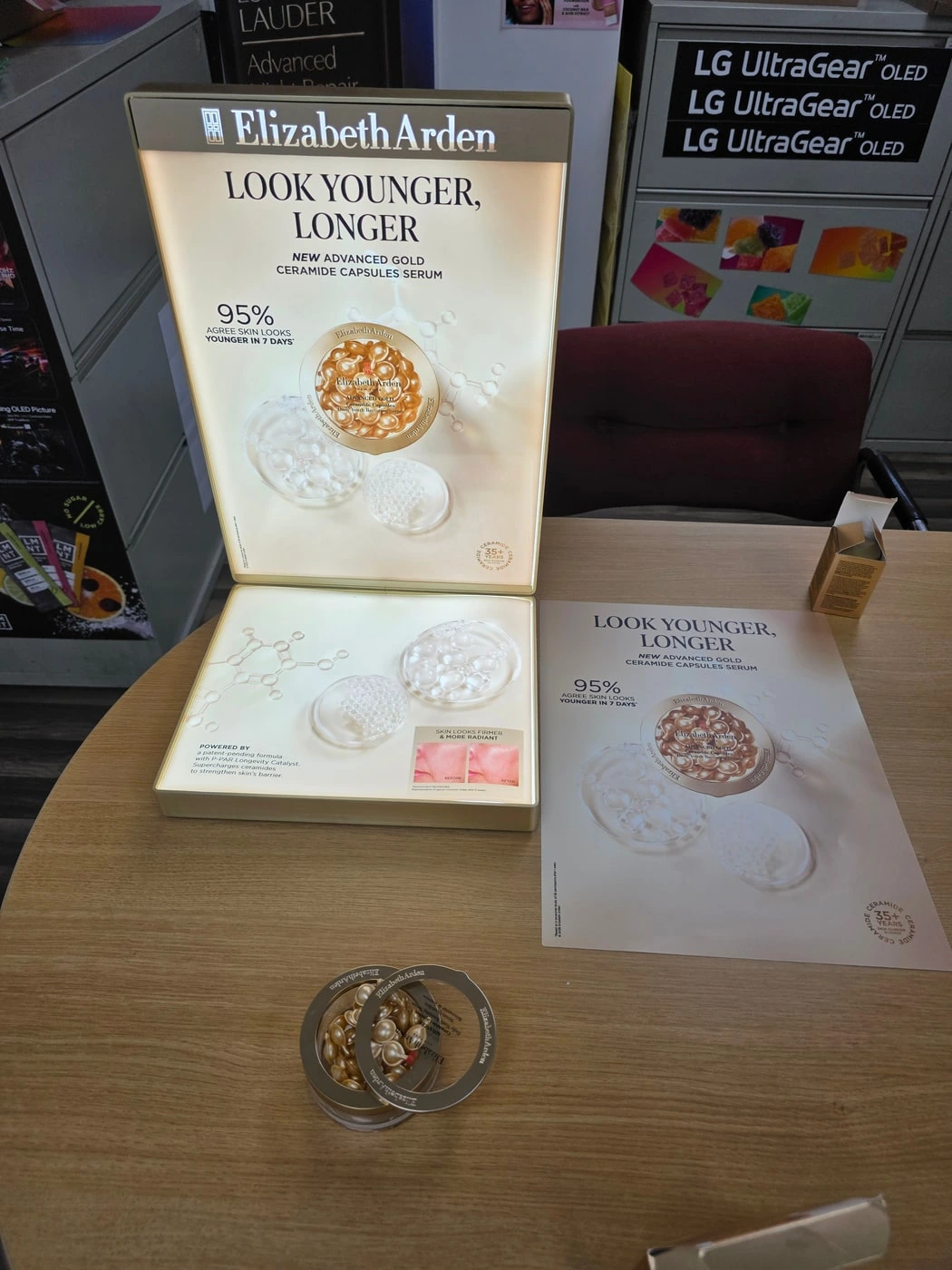
CUSTOM GRAPHICS AND COMPONENTS
Digital die cutting
& custom contour cutting
PIC cuts printed and unprinted graphics to your design, from shaped signs and decals to custom components. Order prototypes, short runs or several design versions, with printing, cutting and finishing in house.
Digital Die Cutting Options
- Custom outlines, curves and internal openings
- Contour-cut signs, decals and graphic overlays
- Individual pieces or kiss-cut shapes on a backing sheet
- Knife cutting and routing for suitable materials
- Shapes
- Custom outlines and openings
- Tools
- Knife cutting and routing
- Orders
- Prototypes and short runs
We can help choose the cutting method and finishing for your project.
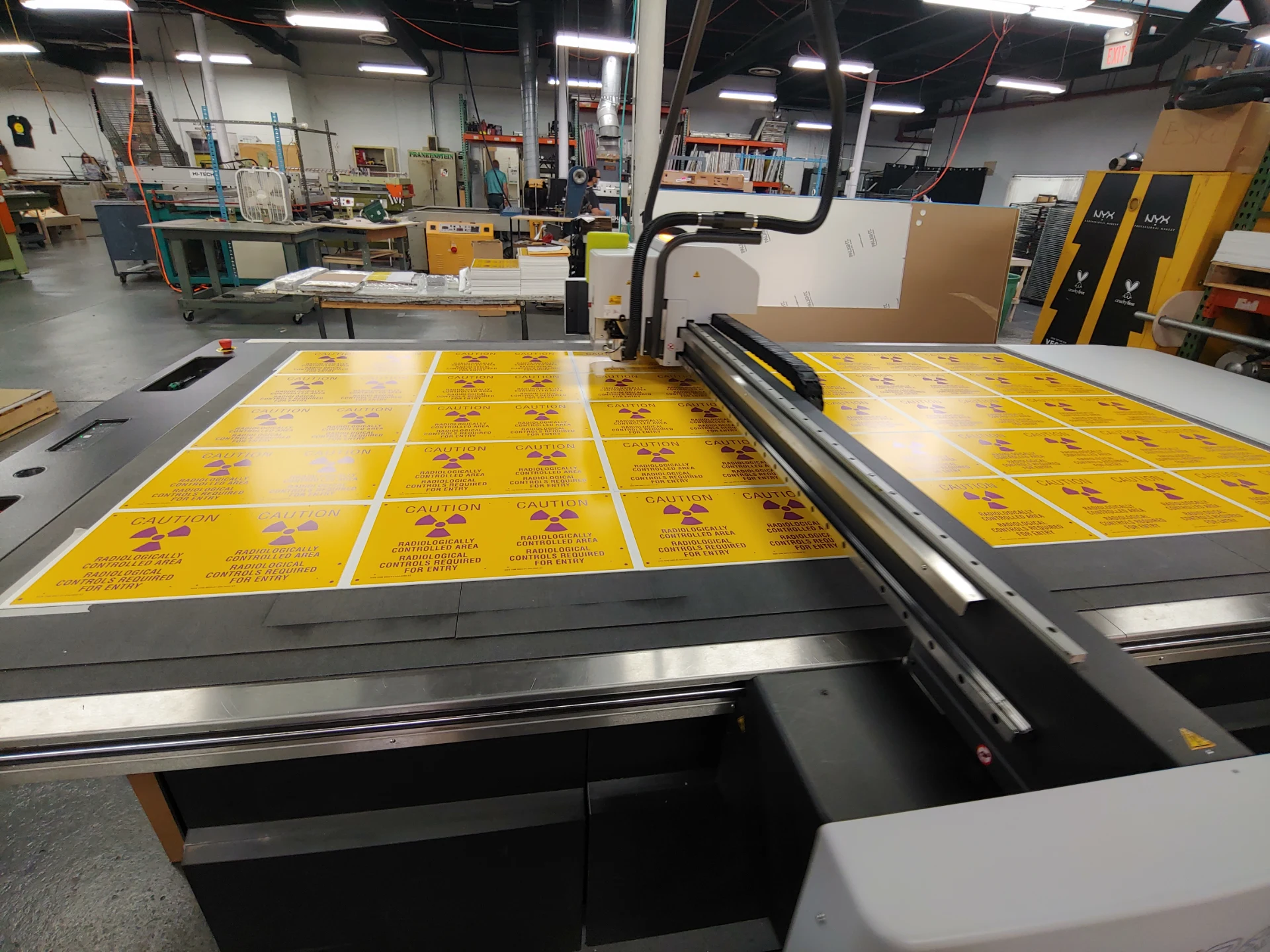
Warning-sign graphics on the Esko table at PIC, ready for the cutting stage.
PRINTED DISPLAY COMPONENTCUT TO SHAPE
CUSTOM SHAPES AND COMPONENTS
Custom shapes without a separate cutting die
Order printed or unprinted pieces with curved edges, panel windows, mounting holes or slots. PIC's Kongsberg Esko iCut equipment follows a digital cutting file, so a new shape or revision does not require a separate steel-rule die. This is also called dieless cutting.
For materials and designs that suit a thermal process, PIC also offers CO₂ laser cutting.
PRINTED GRAPHICS, CUT TO SHAPE
Contour cutting for signs, decals and display graphics
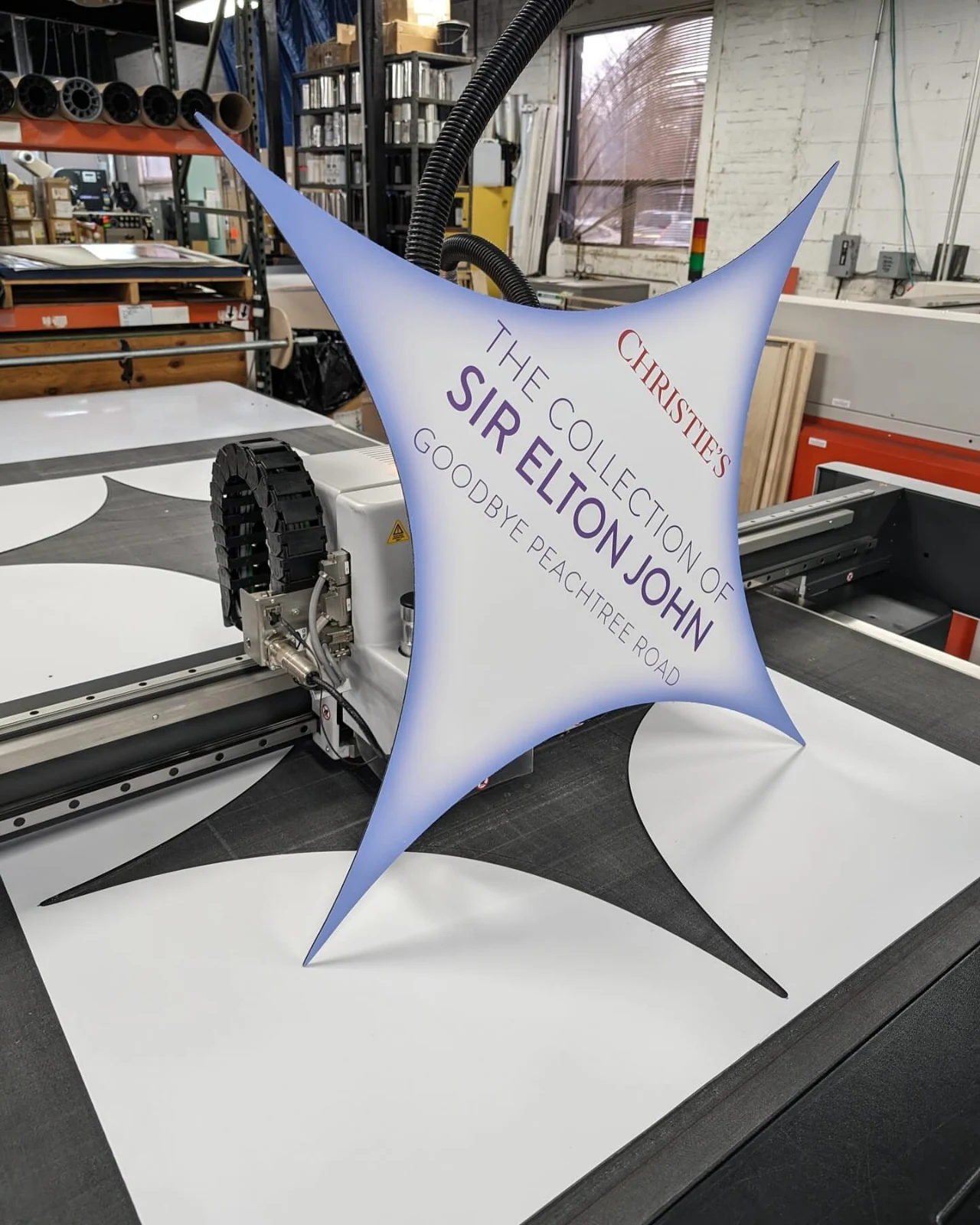
A custom outline can follow a printed logo, illustration or display shape instead of a plain rectangle. PIC's optical registration system locates the printed image so the cut follows the intended outline.
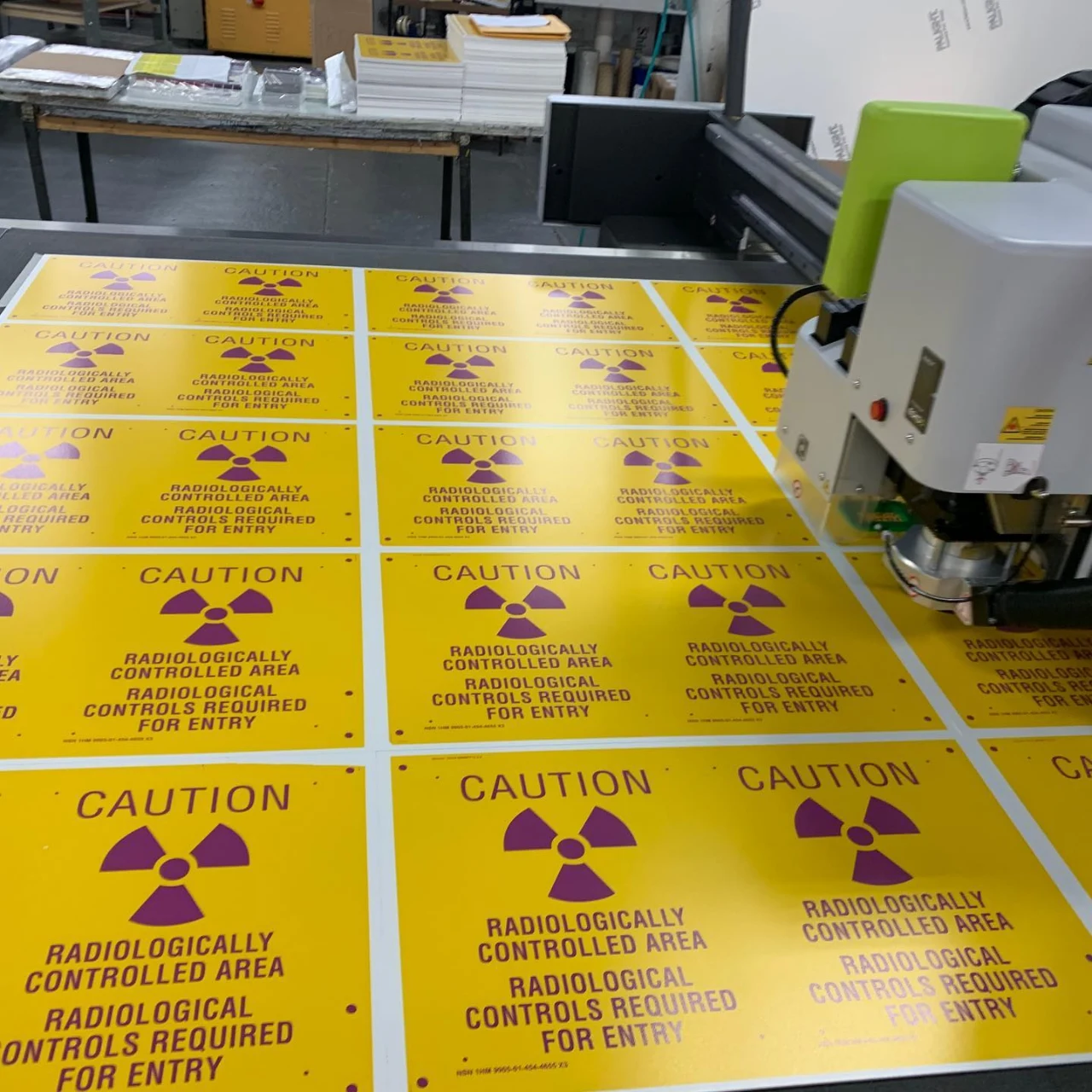
Contour-cutting detail: printed warning graphics on PIC’s Esko table.
Shaped signs and printed display components.
Cut around a logo or design.
Switch openings and windows.
Mounting holes and slots.
Order digital printing, cutting and finishing together, including mounting or lamination. For flexible graphics with straight rectangular edges, PIC's Fotoba X/Y cutting equipment provides a separate trimming option.
INDIVIDUAL PIECES OR SHEETS
Through-cut pieces or kiss-cut adhesive graphics
Choose how your decals and adhesive graphics are supplied.
Through-cut individual pieces
CUT DEPTH
Graphic materialAdhesive, if usedBacking liner
The graphic material and its backing are cut into separate pieces. Each decal can stay on its own backing until it is ready to peel and apply.
Kiss-cut shapes on a sheet
CUT DEPTH
Graphic materialAdhesive, if usedBacking liner
The graphic material is cut while the backing liner stays intact. Several shapes can remain together on one sheet for handling and application.
Cut-depth schematics only; layer thicknesses are not to scale.
PIC selects the cut depth for the film, adhesive and liner used in the job. For labels supplied on rolls, see roll-label printing.
MATERIALS AND ROUTING
Digital cutting and routing for films, boards and rigid sheets
PIC uses knife cutting for suitable films and boards and router cutting for suitable rigid sheets. The tool is matched to the material, thickness and any adhesive or backing layers.
Films and adhesive graphics
Vinyl, polyester/Mylar, polycarbonate film and flexible magnetic material can be cut to shape, with the backing retained or cut through as needed.
Paper and display boards
Options include paper, cardboard, chipboard, foam board, Gator-type board and corrugated plastic. PIC cuts display boards to shape and suitable foam components for use in an assembly.
Router cutting for rigid sheets
PIC uses router cutting for suitable acrylic, wood and aluminum-composite sheets. Routing creates custom outlines and internal openings for rigid graphics and components, including pieces that need to fit another part.
FIT, PRINT ALIGNMENT AND EDGES
Cut components that fit your graphic or assembly
A graphic that fits a frame and a component that fits an assembly can need different cutting details. PIC considers:
A dimensioned drawing or sample of the adjoining part helps define the fit. See precision component cutting for drawing-led parts and their specific requirements.
Dimensions and fit:
the finished size and positions of holes, slots and other features that meet another part.
Print alignment:
where cut edges and openings sit relative to the printed image.
Visible edges:
how the cut edge needs to look and feel in the finished product.
PROTOTYPES AND REPEAT ORDERS
Digital cutting for prototypes and repeat orders
A prototype can help you check a component's fit or a display graphic's appearance before finalizing the design. Revised outlines and multiple versions can be cut from separate files without making a die for each change.
Once the design is settled, reusable tooling may be a practical alternative for repeat orders. PIC can compare digital cutting and die cutting for the material, quantity and expected reorders, including the edge and fit needed when moving from a prototype to press die-cut production.
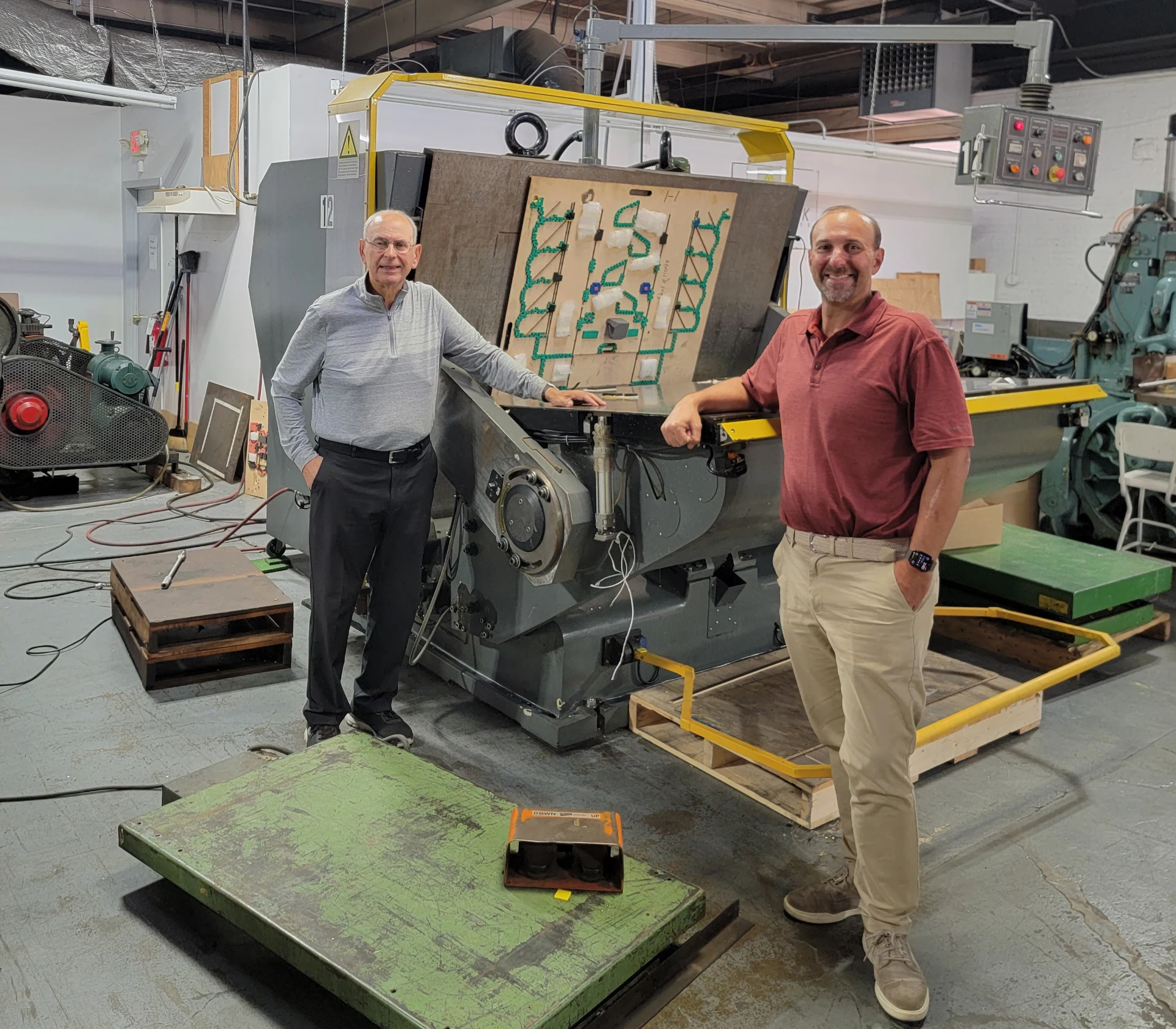
PIC’s press die-cutting equipment.
Oversized shapes and repeated designs cut with a die and press.
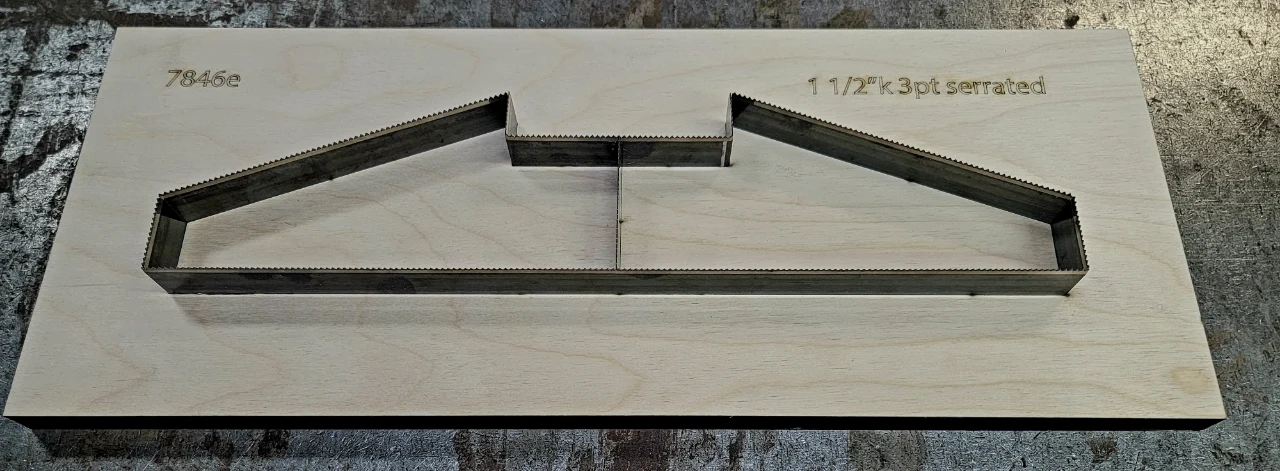
Steel-rule die in its wood board.
A custom cutting die for an approved shape and material.
PRINT SHOPS ARE WELCOME
Digital cutting and finishing support
Print shops are welcome for cutting and finishing work. For graphics printed elsewhere, discuss the sheet layout and material with PIC before printing or delivery so the registration marks and usable cutting area suit the job.
Digital die cutting on an Esko iCut. Watch on YouTube
YOUR DIGITAL-CUTTING PROJECT
Request a digital die-cutting quote
Start with your artwork, cut outline, drawing or sample. PIC can help choose the cutting method and any mounting, lamination or other finishing.
Useful project details include:
- 01Material and thickness, including adhesive or backing layers
- 02Incoming sheet size and finished dimensions
- 03Quantity, design versions and required date
- 04Individual pieces or shapes retained on a backing sheet
- 05Important fit or printed alignment, plus any further finishing
We can confirm suitable production-file formats and review any stock you would like to supply.