
PRINTED AND FINISHED AT PIC
Custom graphic overlays for control panels
PIC makes custom graphic overlays for control panels and equipment. We print the control labels, scales, symbols and display areas, then cut and finish the overlay in house to match the panel design.
Graphic overlay features
- Clear control labels, scales and symbols
- Display windows and control openings
- Outline and cutouts matched to the panel drawing
- In-house printing, cutting and finishing
- Film
- Polycarbonate or polyester
- Printing
- Screen or UV digital
- Finishing
- In-house cutting and finishing
Start with your panel drawing and artwork.
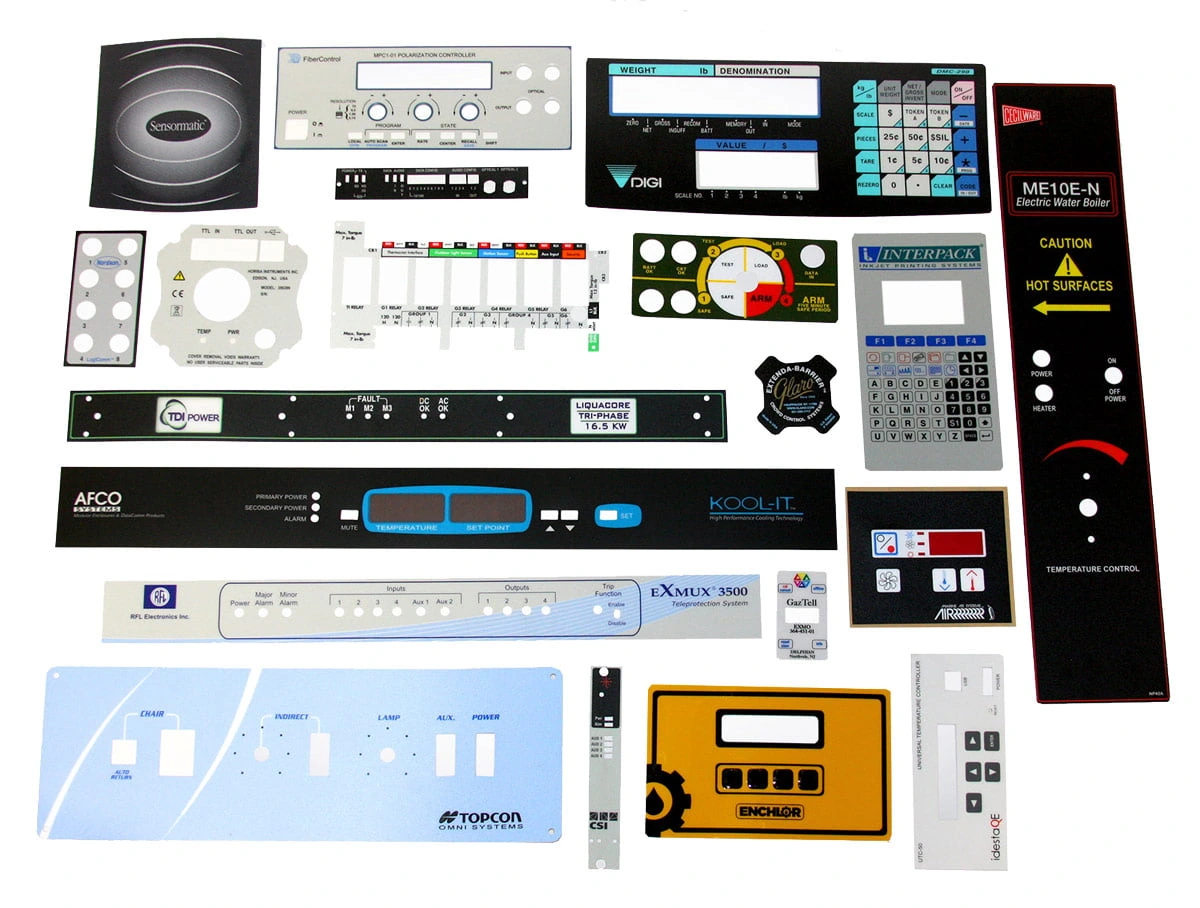
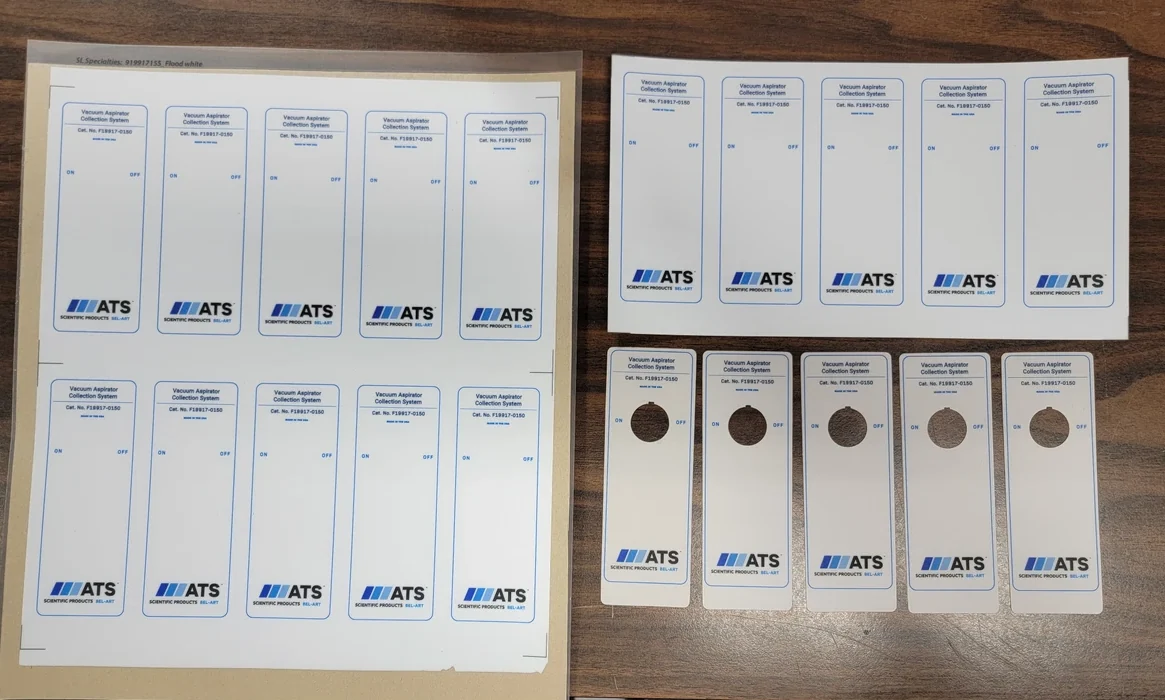
Printed graphic overlays with display areas, button markings and cut openings.
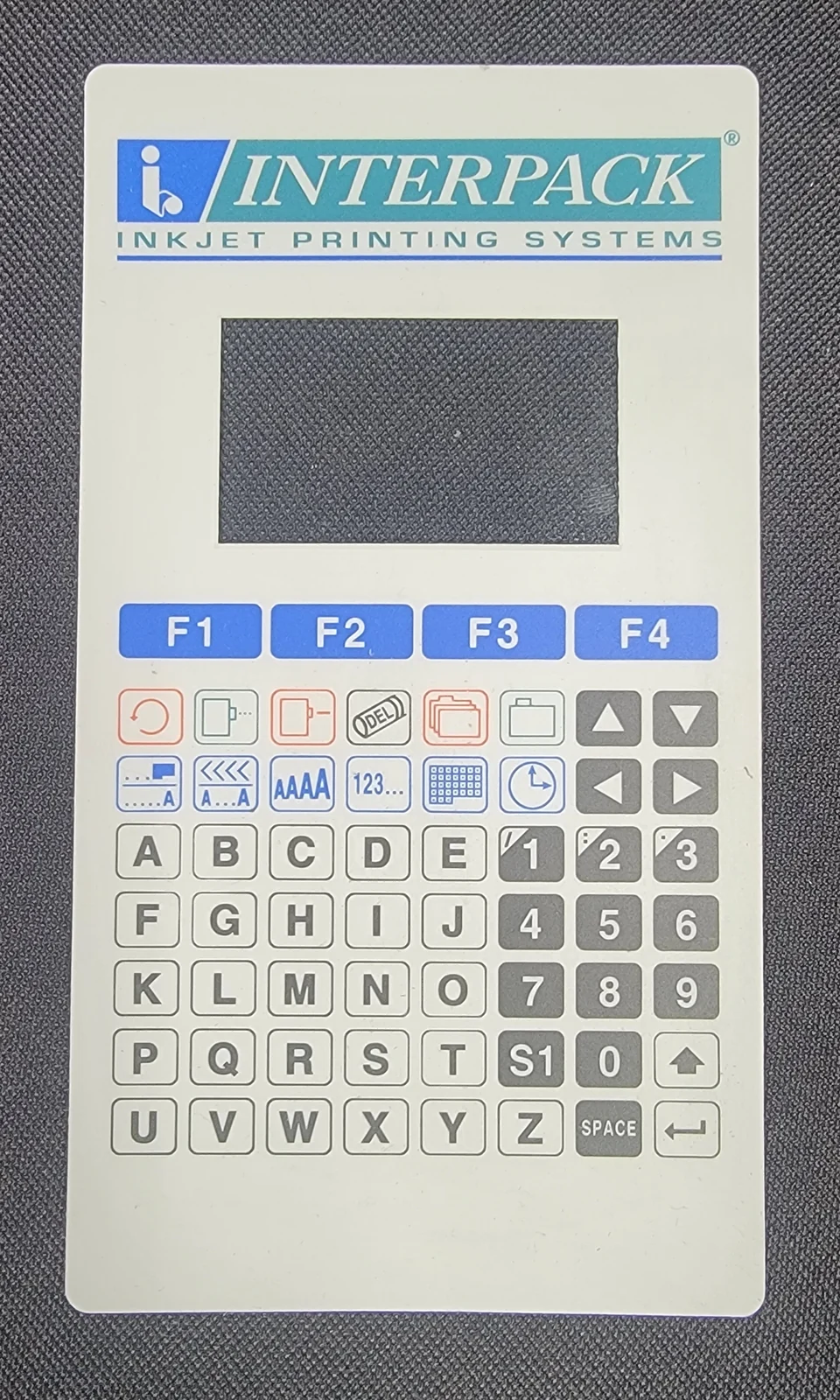
Printed key labels and a display opening on a control overlay.
MATERIAL, WINDOWS & FINISH
Choose the film, surface finish and adhesive for the panel's appearance, use and cleaning conditions.
Overlay materials & windows
THE PRINTED PANEL FACE
Graphic overlays for
control panels and equipment
Bring control labels, scales, symbols and branding together on the face of your equipment.
Make the controls clear
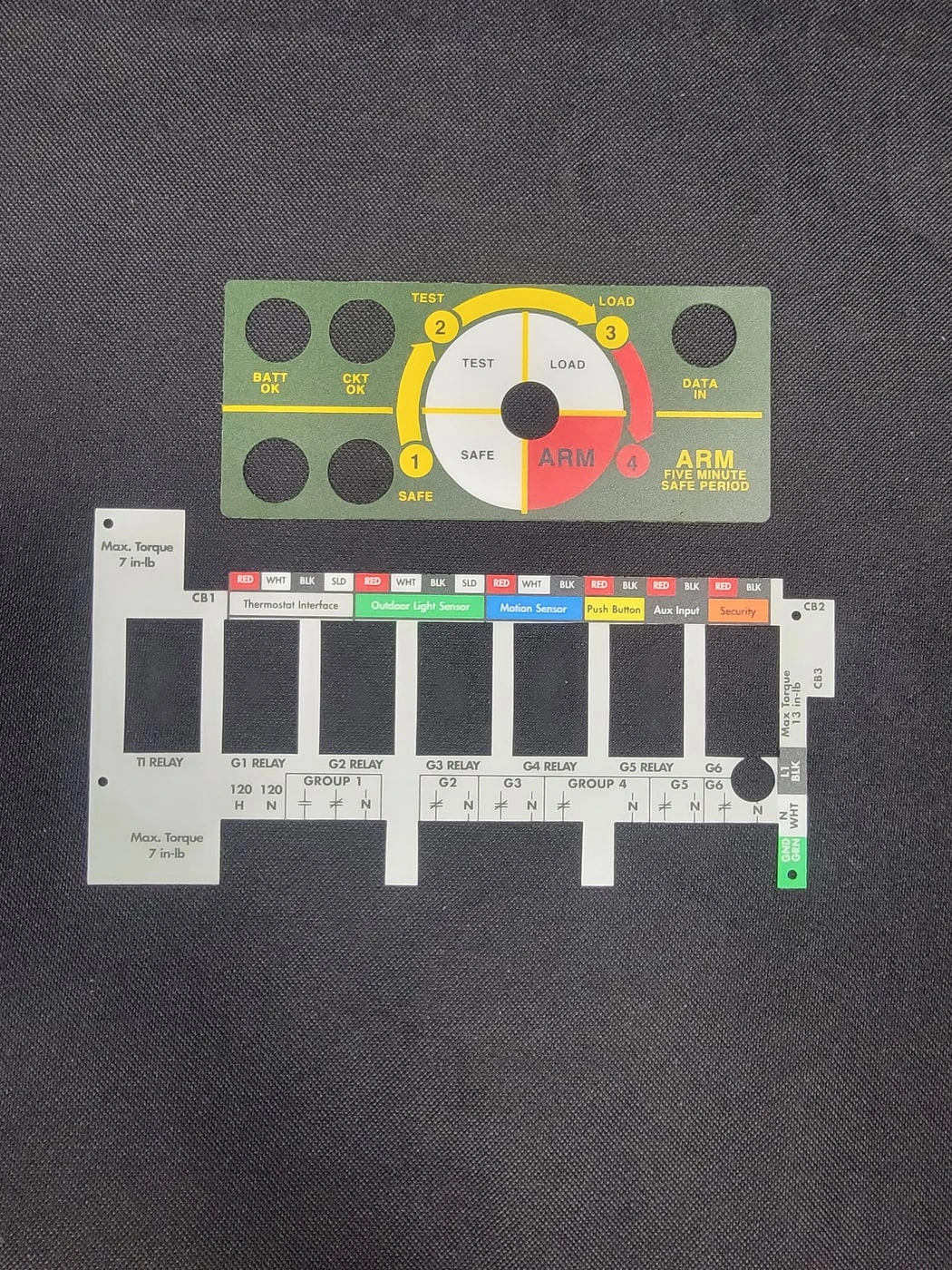
Printed switch markings, dial scales, operating instructions and color-coded areas identify the controls. Display windows and control or connector openings follow the panel drawing.
The printed face, not the electronics
PIC supplies printed overlays for instruments, controls and equipment panels. Switches, electronic displays and circuitry are separate parts of the assembly.
For a separate product or equipment information plate, see custom nameplates.
FILM • PRINT • ADHESIVE
Graphic overlay construction
Polycarbonate and polyester film options, with the surface finish and adhesive chosen for appearance, use and cleaning conditions.
SAME FEATURE POSITIONS, LAYER BY LAYER
Face film
Printed underside
Adhesive pattern
Equipment panel
Plan-view schematic, not to scale. The clear display window stays covered by film; control openings pass through it. Print and adhesive stay out of the indicated window and opening areas.
Film protects the printing
For subsurface-printed overlays, the ink is on the underside of transparent polycarbonate or polyester film, protected from direct surface contact.
Film and ink must suit repeated use and the products used to clean the panel.
A window is not a cutout
- Clear or tinted window
- Film remains over the display.
- Control or connector cutout
- An opening through the overlay.
Surface and adhesive
Film texture affects touch and display visibility. Adhesive areas follow the drawing without blocking windows or openings; the panel material and coating guide adhesive selection.
PRINTING AND CUTTING
Match the print and cut
to the overlay
Artwork, colors, opacity, film and quantity guide the production method. PIC coordinates artwork, outlines, windows and openings as one job.
SOLID COLOR & OPACITY
Screen printing suits designs with solid colors and opaque printed areas around display windows.
FULL COLOR & CHANGING DESIGNS
UV digital printing supports full-color artwork, gradients and design versions. PIC uses its EFI Pro 30f+ flatbed printer for suitable industrial overlays.
Ink and film are selected together for repeated use and cleaning conditions.
PRINT-TO-CUT REGISTRATION
Optical registration aligns the cut with the artwork. Digital cutting can avoid a physical die for suitable prototypes and shorter runs, including designs still changing.
For repeat production, PIC also offers in-house steel-rule die making. The panel drawing, material and required fit guide the cutting method and tolerances.
Other print shops can use PIC for trade printing and overflow cutting or finishing.
PANEL FIT
Match the graphic overlay
to the panel drawing
The panel drawing coordinates the overlay’s outline, display windows, control openings and adhesive areas. Shared reference positions help the print and cut features line up with the panel.
Artwork proof
Review the printed graphics.
Physical sample
Check the outline, windows and openings against the panel.
PIC can discuss proofs and physical samples for your job. For a simpler applied graphic, see custom decals.
ONE DRAWING. CORRESPONDING FEATURES.
Printed overlay
↓
Same reference positions
↓
Equipment panel
+
+
Separated plan views illustrate corresponding positions, not actual part dimensions. Final geometry comes from the panel drawing.
YOUR NEXT PROJECT
Graphic overlay
quote details
For your graphic-overlay project:
- Panel drawing and overlay cut file, including window and opening positions.
- Current artwork revision and color references.
- Dimensions that determine fit.
- Panel material, coating, cleaning and exposure conditions.
- Quantity and required date.